3. How to Setup IBO Player
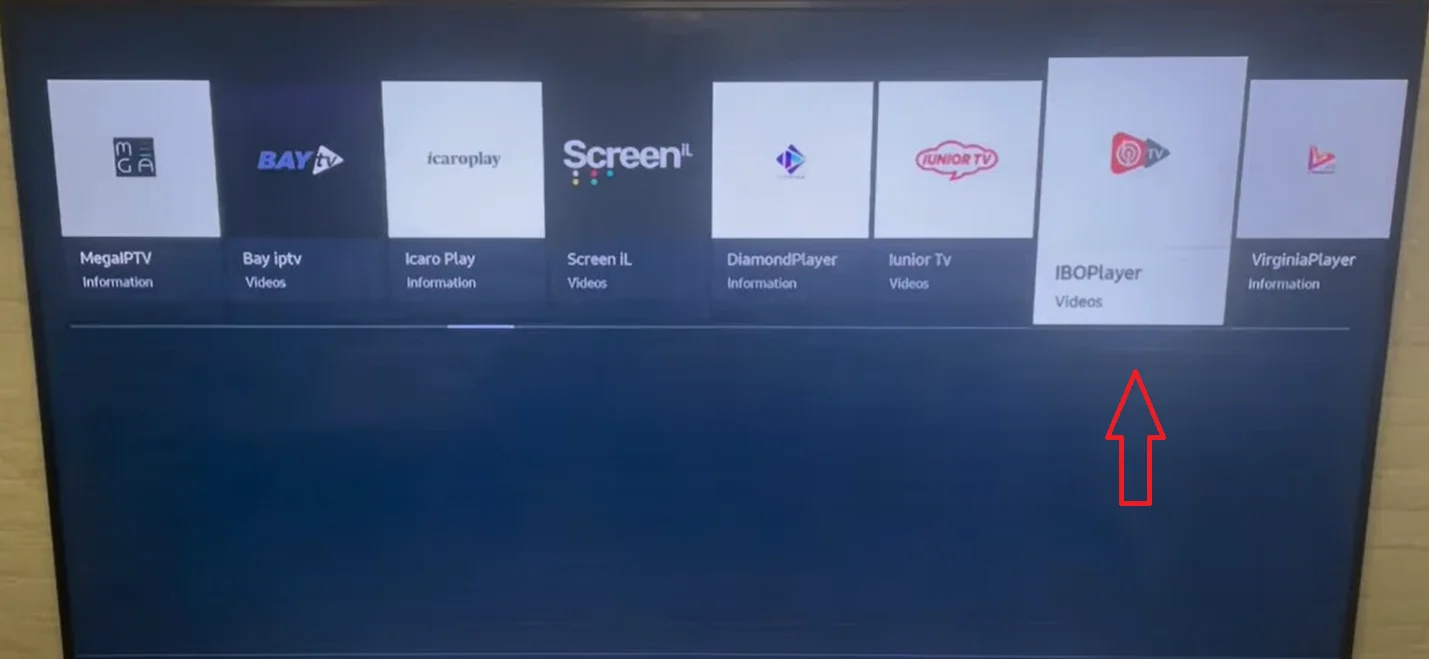
IBO Player is rapidly gaining popularity on Samsung and LG Smart TVs because it doesn't require a Firestick. It works purely via remote server uploads.
- Step 1: Download IBO Player directly from your Smart TV's App Store.
- Step 2: Open the app. The screen will display a unique Device MAC Address and a Device Key.
- Step 3: Send us that MAC Address and Device Key on WhatsApp, OR upload your M3U playlist link directly on the IBO Player website.
- Step 4: Restart the app on your TV to instantly load the channels.
Need Help Setting Up?
Every DublinCasts plan includes free 1-on-1 WhatsApp installation support. We will get you running on any device in under 5 minutes.
Get Started Now